


-
 Kolchak: The Tall Sister (a Daredevils adventure)—Wednesday, June 3rd, 2026
-

- Item. Chicago. March, 1977. When “Boss” Richard J. Daley died December 20, Michael A. Bilandic was appointed acting mayor until a special election could be held, promising not to run himself.
- Item. He’s now the front-runner.
- Item. A few months ago, the driver of an El train plowed into the train ahead, throwing El cars into rush hour traffic and killing eleven people.
None of this, of course, matters to Carl Kolchak. He’s much more interested in the obscure and forgotten death of the El motorman’s girlfriend in an indigent hospital on the west side. Out beyond Greektown, beyond Little Italy, the ethnicities blend and mix, and it’s hard to tell who you might meet in the dark of night.
It was the Ides of March, and a woman was the author of the deed—or was she? It was a classic locked room mystery. A witness claimed to see a woman walking away just after the death… beyond the window of the fourth floor. The events of March, 1977, were impossible. Impossible, and yet, they happened.
Welcome to my fifth annual Kolchak: The Night Stalker adventure (PDF File, 4.6 MB), using the Daredevils rules. As you read this I may very well be running the sixth.
Of interest to Blues Brothers fans, the National Socialist Party of America has not yet won their lawsuit to march in Chicago, but the lawsuit is on and making news. You can use any or none of this if you run this adventure, depending on how complicated or how long you want it to run. That plus Bilandic is all background. It’s what the rest of Chicago is doing while the player characters are plunging into unverifiable things that cannot happen here.
I ran the adventure as a four-hour convention game at North Texas in 2025, so I included only the minimum around the mystery itself, culminating in a fight with a vampire… but not that kind… in a storage facility at dusk.
As is my habit for these adventures, the adventure is mostly a locale and a group of Night Stalker stringers doing their own thing.
-
L’Entreprenante l’Entreprenante: Mirror Universe Trek for Flashing Blades—Wednesday, September 10th, 2025
-

This 1927 painting by Gordon Grant in the USS Constitution Museum depicts the USS Constitution. It’s very similar to what l’Entreprenante would look like.
I ran a second game of Flashing Blades at North Texas in June. It was a blast. The idea was that the crew of the mirror universe Star Trek from the Mirror, Mirror episode were stuck on a 1705 French warship (PDF File, 2.6 MB) until they could right the timeline to restore the Enterprise from whatever their own meddling in time had done to it.
Much as the Federation timeline crew had to do in City on the Edge of Forever. In fact, I incorporated that episode into the history of the Mirror Universe, but my fictional Mirror Universe crew had instead had to ensure peace activist Edith Keeler’s survival rather than her death.
I incorporated the High Seas supplement into the adventure, but I didn’t realize what that meant until I, fortunately, ran a test of the adventure with my local group. Given the backstabbing, power-hungry nature of the Mirror Universe crew I expected lots of sword fights, both between the Enterprise and l’Entreprenante crews and among the ambitious Enterprise crew.
In fact, the draw of this game was the ship combat. After running the first game locally, I added a simple ship-to-ship combat at the beginning of the game against a weaker ship as a likely possibility. This contrasts with a more dangerous ship-to-ship combat at the end of the game against a stronger ship. It also gives the players a handle on how ship combat works in Flashing Blades before the big fight at the end of the adventure.
This change also made the 18th century crew more active with respect to the 23rd century crew.
After the playtest I also modified one aspect of High Seas combat. High Seas provides five ship ranges: Far, Long, Medium, Short, and Close. This means that chases are over much too quickly. I added Too Far (which provides two ranges that are too far for firing cannon) as well as Medium Long and Medium Short. This gives more time for ship-to-ship volleys, especially where both ships are bearing down on each other.
-
Plagiarism and copyright in RPGs—Wednesday, July 23rd, 2025
-

Plagiarism and copyright are two of the most misused terms in gaming. First, the differences. Plagiarism is about attribution. Copyright is about having a monopoly on copying and distributing. Copyright has nothing to do with attribution. If it would be against copyright law without attribution, it would be against copyright law with attribution. You can even plagiarize things that can't be copyrighted or that have returned to the public domain.
Plagiarism is not against the law. It’s just bad form in occupations where the source of ideas is often more important than the ideas themselves, mainly academia and politics. Not only is plagiarism not illegal, it’s not even generally bad form in freewheeling arenas where the focus is on the customer rather than the business. When Microsoft copies Apple, or Apple copies Google, or Frigidaire copies Whirlpool, or Steelcase copies Knoll, that’s not plagiarism. That’s getting better products to the customer.
In my opinion, the latter is where roleplaying games should fall as well. The gaming industry is fortunately still about better games for gamers, by gamers. It’s not publish-or-perish. It’s game-and-live. If there’s one lesson we can learn from the old-school, it’s that gaming rules. Publishing is secondary. Scholarship is tertiary. Gaming is the reason we’re gaming and the reason we’re writing games.
I’ve written before that you can’t copyright ideas, and that collections of ideas is mostly where roleplaying games fall. The notion that one company or other can legally restrict the spread of ideas—in the form of mechanics, or names, or even tables and lists—is a common misconception among gamers.
This question comes up a lot in various forms, although not usually in as obvious a manner as recently on theRPGSite where “What Precisely is plagiarism considered in the OSR?” was misconstrued into questions like “Is it okay to copy a mechanic wholesale?” and “When is it okay to borrow or use a mechanic and not list inspiration?”
To which the very first answer was “Number 1: a mechanic is not copyrightable.”
-
Flashing Blades: Character Calculation Perl Script—Wednesday, July 9th, 2025
-
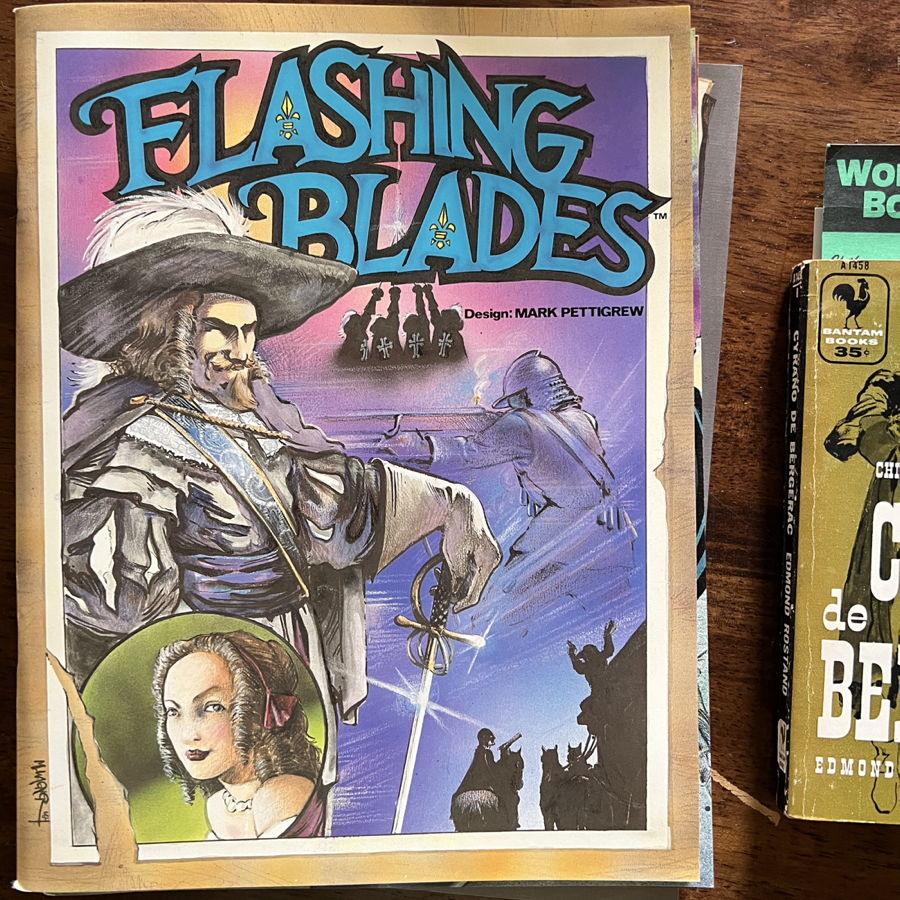
I ran Flashing Blades again this year at North Texas, and it required making a bunch of custom character sheets. There are a handful of calculations that are the same calculation for every Flashing Blades character: hit points, encumbrance, and initial skill points. There’s also the combat modifier, which may or may not be different for firearms and crossbows. And characters that have the right combination of Strategy skill and rank have a chance for Brilliant Maneuvers.
Once you start making skill choices Flashing Blades is difficult to program for, but it is very helpful to get those five calculations done automatically to avoid typos. While none of those calculations are difficult, it’s always easy to skip a line on a table or misread a column when doing multiple characters in succession.
I’ve designed the script to use a text file of attributes, using a simple Markdown headline to title each character. Just point the script to that file—or multiple files—and either get all of the characters or just ones that match a search term. Here’s an example of some characters I’ll be using:
- # Captain J. Tiberius Kirk
- Strength: 12
- Dexterity: 10
- Endurance: 14
- Wit: 13
- Charm: 15
- Luck: 12
- # Chief Science Officer Spock
- Strength: 16
- Dexterity: 15
- Endurance: 15
- Wit: 17
- Charm: 8
- Luck: 9
If I type
~/bin/flashing Characters/Enterprise.txt KirkI get:- # Captain J. Tiberius Kirk
- Strength: 12
- Dexterity: 10
- Endurance: 14
- Wit: 13
- Charm: 15
- Luck: 12
- Encumbrance: 12
- Hit points: 13
- Skill points: 11
- Martial adjustment: 1
- Brilliant Maneuver (requires Strategy): 5
-
Far Out, My Idol: A Kolchak adventure for Daredevils—Wednesday, June 4th, 2025
-
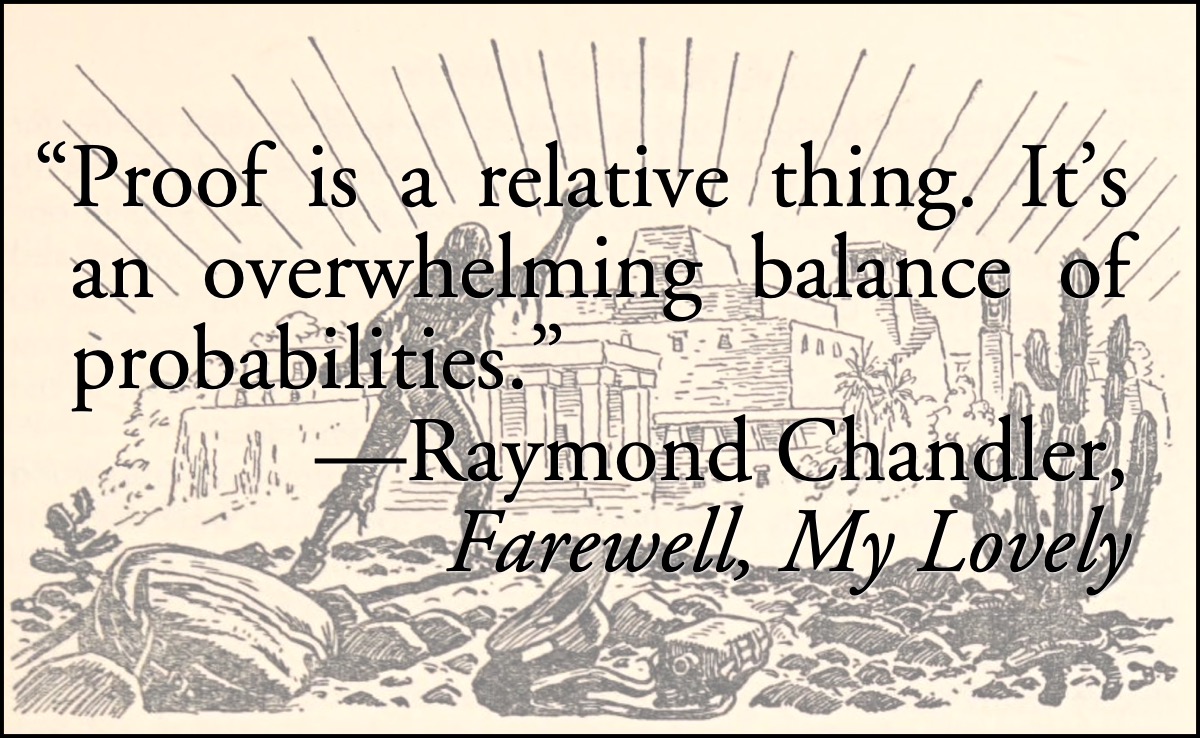
January 10, 1977. The temperature hasn’t risen above freezing for a week. Most days drop below zero. Scientists are speculating about a new ice age. Now, cold in Chicago is nothing new. Neither is cold-blooded murder. But what happened in Chicago in January of 1977 was so unprecedented, so outrageous, that even now I fear to reveal the chilling truth.
It’s amazing how much weird shit came out of the seventies, but what’s even more amazing is how much of it was recycled from the twenties. The idea for this adventure came from the April, 1980, Beyond Reality UFO magazine. The article was by “Ramona Cortez” and titled “Ancient Astronauts of Tatunca Nara”.
During the first week in May of 1925, Colonel Sir Percival Fawcett, went into the lush tropical rain forests of northwest Brazil. The determined British explorer was in search of his dream—a city he felt certain was visited by ancient space travelers from a far-away galaxy many centuries ago.
For years, Fawcett heard detailed accounts of houses with stars to light them which never went out. He wrote in Lost Trails, Lost Cities, his classic text on exploration, “There was some secret means of illumination known to the ancients that remain to be discovered by scientists today.”
This is surprisingly true. The only embellishment is that Fawcett may or may not have “felt certain” that the cause was “ancient space travelers from a far-away galaxy”. But Fawcett was a classic archaeologist-adventurer in the style pastiched by the Indiana Jones series. He was in search of Big Things and those Big Things included Things Beyond Human Ken.
That quote about “some secret means of illumination” is far more exact than I expect from a UFO magazine of the era. I’m surprised that “Cortez” didn’t use the full quote and context. It’s possible they didn’t have Exploration Fawcett at hand—the book was published under both that title and Lost Trails, Lost Cities—and, of course, didn’t have the Internet Archive to help them. The Internet Archive was over a decade into the future. Strange to think that the period between this UFO article and the Internet Archive is far smaller than the period between the Internet Archive and today!
Here’s what Colonel Sir Percival Fawcett actually wrote in his book:
-
Flashing Blades: En coulisse de l’Hôtel de Bourgogne—Wednesday, May 28th, 2025
-
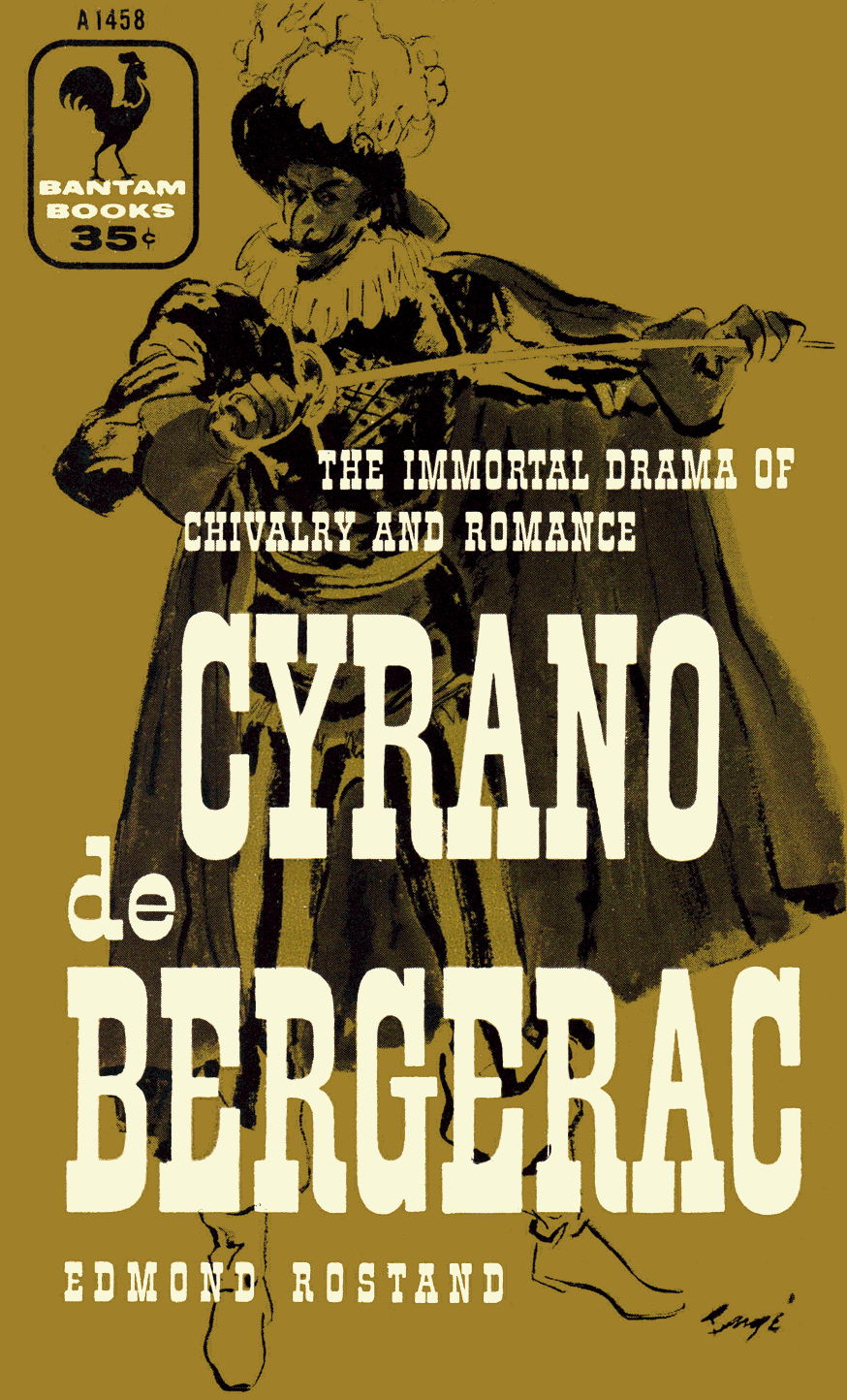
Last year in June I ran a session of Flashing Blades at the North Texas RPG Con, In September I published the dueling aid that I made up for the event. In this post I provide the simple reskin (PDF File, 122.7 KB) and pregenerated characters (Zip file, 36.6 MB).
The reskin was easy. I ran an only slightly modified version of The Grand Theater from Parisian Adventure. It’s a great choice for a one-shot and for a con game. There’s no real plot to it. It’s just an excuse to get into duels in a theater filled with rugs, candles, chandeliers, and Frenchmen. And one Englishman favored by a high-ranking cleric.
An English spy has stolen French naval documents, compromising France’s strength on the seas! More importantly, the King’s Musketeers and the Cardinal’s Guards are vying to restore the documents and capture the spy before their rivals. Get ready to swing from the chandeliers, fight the Cardinal’s guards—or the King’s musketeers—and outwit the enemies of France in Mark Pettigrew’s game of adventure, intrigue, and… flashing blades!
I renamed the adventure En coulisse de l'Hôtel de Bourgogne—Backstage at the Hôtel de Bourgogne—for the simple reason that I’d recently read Cyrano de Bergerac and the even simpler reason that some of the Bourgogne’s history in the period—I chose 1637 to put it right smack dab in Three Musketeers territory—is available online. While Jacob Latchkey is a fictional English spy required by the original Grand Theater adventure, the rest of the Comédiens du Roi are real actors and actresses of the Troupe Royale; they would have played at the Hôtel de Bourgogne during that period and they very possibly would have acted in Pierre Corneille’s La Place Royale.
-
It’s not about the levels—Wednesday, May 14th, 2025
-
In a recent blog post about the problem of roleplaying games becoming more like video games, James Maliszewski wrote:
Tabletop RPGs aren’t about reaching 10th level. They’re about entering and exploring an imaginary world through an equally imaginary character. What matters isn’t how many hit points your fighter has, but what you do with them. Success might mean founding a colony, retiring in disgrace, making a terrible bargain with an otherworldly power, or changing the course of an empire. These are the kinds of outcomes that emerge from choices, consequences, and collaboration with the referee and other players, not from ticking boxes on a character sheet. Advancement in a tabletop RPG is ultimately about meaning, not math.
He contrasted this sort of “mechanical advancement” with games that don’t use levels, such as…
…Call of Cthulhu, where the main arc of a character’s life isn’t defined by rising power but by gradual decline—into madness, death, or at best, retirement from delving into the Mythos. He might get better at Library Use or Spot Hidden, but he’ll never become an investigator resistant, never mind immune, to cosmic horror. That’s not the point of the game. Even RuneQuest, though it includes skill advancement through use, eschews levels entirely. A seasoned Gloranthan character is still vulnerable, still mortal.
And finally ends with:
These are the kinds of outcomes that emerge from choices, consequences, and collaboration with the referee and other players, not from ticking boxes on a character sheet. Advancement in a tabletop RPG is ultimately about meaning, not math.
It’s almost an Emily Litella moment. James’s post completely misses one of the biggest advantages of level-based systems: that they aren’t about “ticking boxes on a character sheet”. Most non-level based systems, especially his examples of Runequest and Call of Cthulhu1, handle character advancement by literally ticking boxes.
-
The Cult of the Cult of Gygax™—Wednesday, January 29th, 2025
-
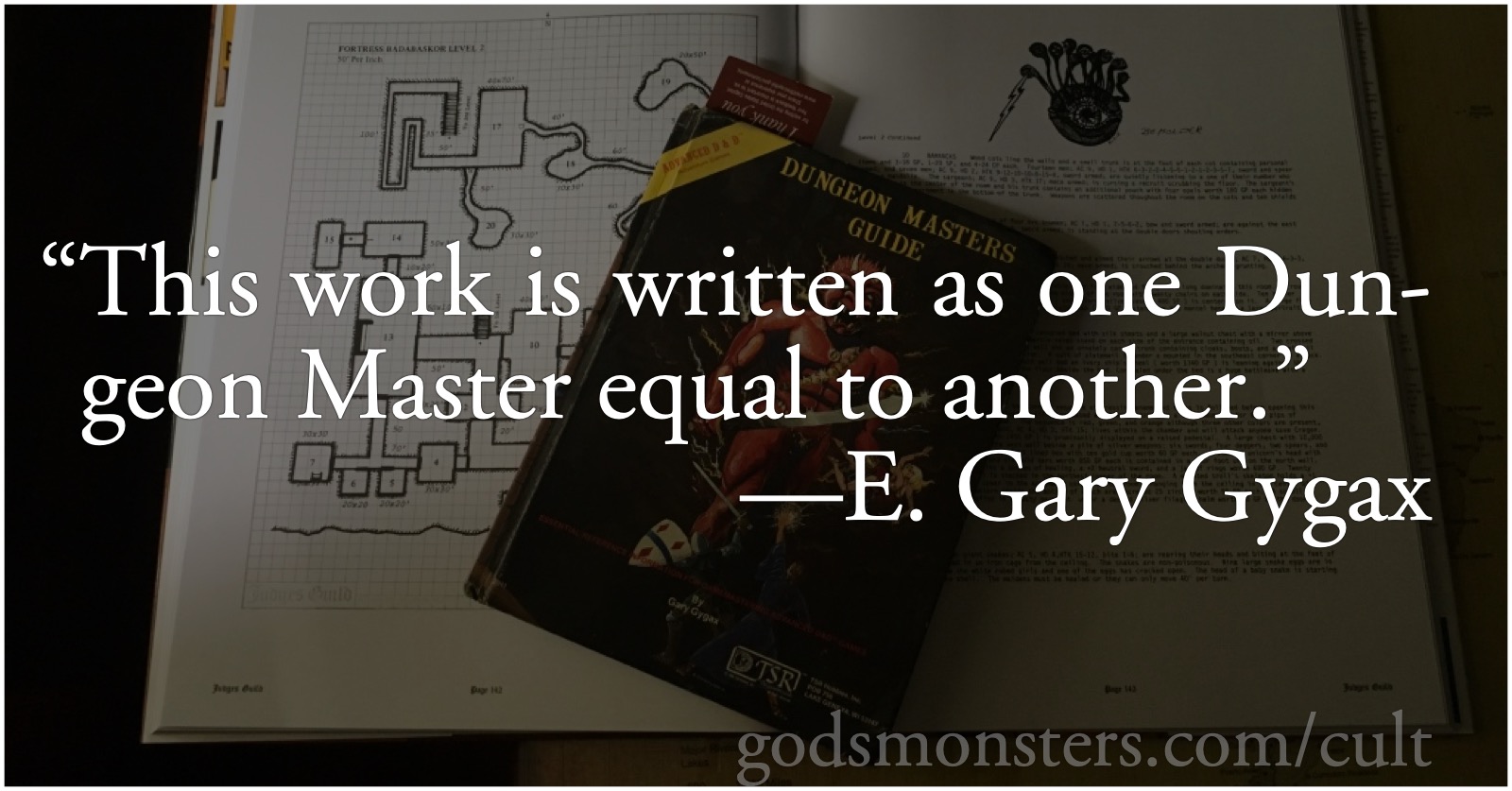
This is the semi-birthday of Dungeons & Dragons, to the extent that we can even know when the birthday was. It’s over fifty years old now, and we have already lost many of the pioneers of the game. Every year that goes by, we lose more pioneers and more players. With them go what in business we’d call the “institutional knowledge” they carried. That knowledge isn’t just about rules and rulesets, but about why these rules and rulesets were created. It’s not about a particular game but about the whole milieu in which the game was created.
I wrote about how the way that fans and readers interacted influenced early games in On a Cult of Gygax. But just as important is how and why the entrepreneurs did what they did. Take the best of today’s creators, your-favorite-osr-creator-here, and even if they never created their product they’d still be able to game. They could still play Dungeons & Dragons, or Traveller, or Tunnels & Trolls, or Advanced Dungeons & Dragons, or Villains & Vigilantes… the list goes on, and what each of those games have in common is that if their creators had never created those games, their creators would never have been able to play.
Dave Arneson, Gary Gygax, Mark Millar, and even Ken St. Andre, were creating games not to market them but because they couldn’t play that kind of game without creating the game first. They were players before they were businessmen—and it showed in everything from how they marketed the game (marketing often came after playing) and in how they talked about the game.
It’s very strange to me, having grown up soaking in the free-form rules style of AD&D play, how attached some players are to a Cult of the Cult of Gygax™; and to complaining about a supposed hardline by TSR against house rules. My memory of that period, at least through the late eighties, is one of “make it your own”, advice straight from the rule books and from outlets such as The Dragon.
We always knew that Gygax and other TSR luminaries used different rules. And it made sense for them to do so even outside of a “make it your own” mentality: where could we expect new rules to come from, if not from the campaigns of the author and other employees at TSR? We assumed, and it appears to be true, that the people at TSR were gamers, that they played the game, too.
Which makes questions and answers like this one from Polyhedron far more understandable to me than to adherents of the Cult of the Cult of Gygax™.

Biblyon the Great
This zine is dedicated to articles about the fantasy role-playing game Gods & Monsters, and other random musings.